Resize your ad for every Meta placement
Reframe any ad into every Facebook and Instagram size in one upload. AI extends the background to fit, so nothing gets cropped or stretched.

 Reels 9:16
Upload the creative you want to resize. PNG, JPG or WEBP up to 10MB.
Turn on Multi to resize into several formats at once (Pro).
to resize your ads
Resized ad
Your resized ad will appear here
Upload an image, pick a size, and hit Resize
Who uses the Meta Ad Resizer
One creative, reframed for every Facebook and Instagram surface
Run one creative across every placement
You made one ad that works. Meta wants a different shape for feed, Stories, Reels and right column. Instead of rebuilding the creative four times, upload it once and get every size back reframed to fit. The subject, logo and copy stay put while the background extends to the new canvas.
Meta recommends 4:5 for feed and 9:16 for Stories and Reels
- Cover feed, Stories, Reels and landscape from a single upload
- Keep the same look across placements so the brand reads as one campaign
- No re-cropping or re-exporting per placement
- Stop losing the top of your headline to a wrong-size crop
Stories and Reels cover 14% top and 35% bottom of the 9:16 output, so check the safe zone before you ship it.
Ship every size for client campaigns
Agencies deliver each creative in every placement size, and resizing by hand eats junior-designer hours. Drop in the approved creative and hand back the full set in minutes. Batch mode reframes all four formats at once so a 10-ad concept becomes 40 placement-ready assets without opening Photoshop.
Manual resizing runs 5 to 15 minutes per format in a design tool
- Turn one approved creative into a full placement set
- Batch all formats at once on a Pro plan
- Consistent framing across every client deliverable
- Free up designers from repetitive resize work
Client decks land better with the ad in its frame, so see it in the feed before you ship it.
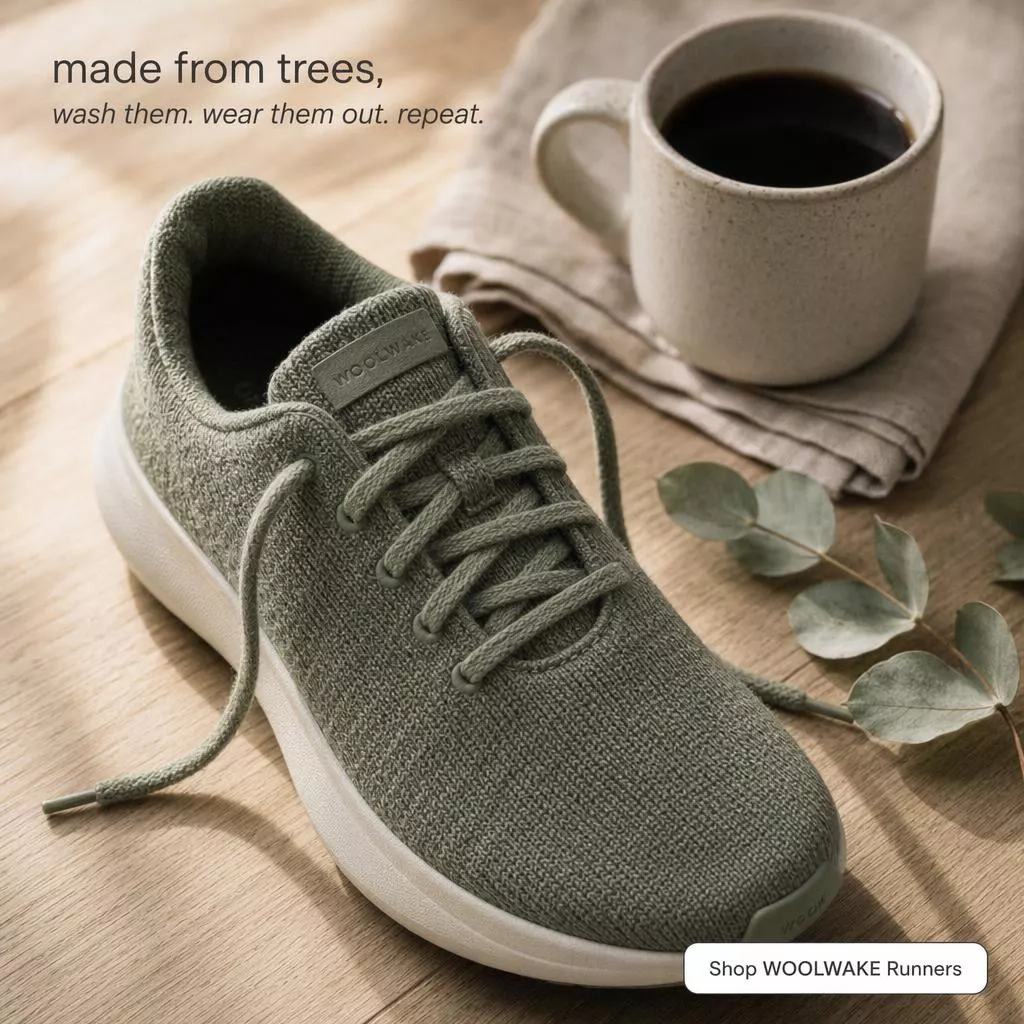
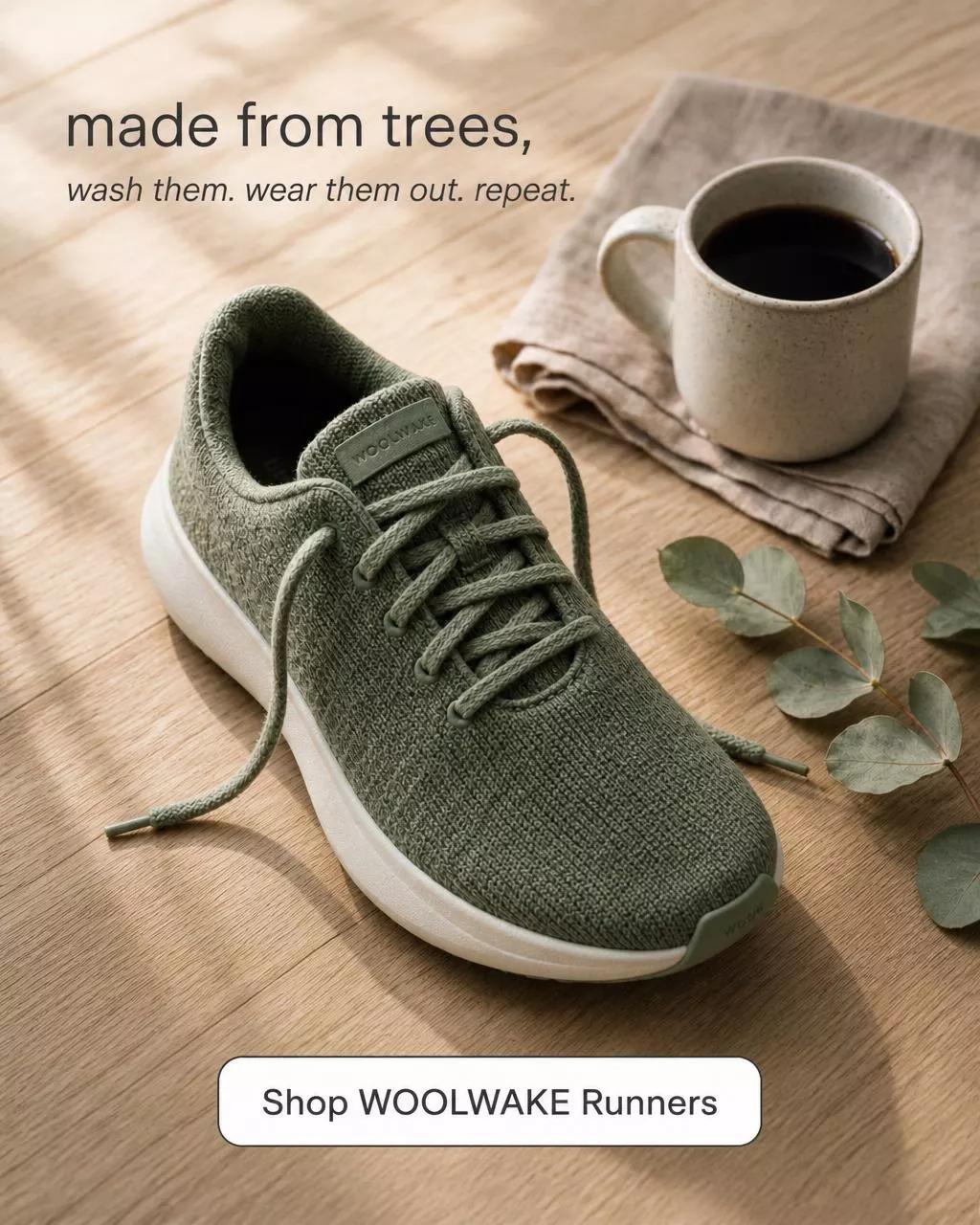
Test the same creative in more placements
Restricting an ad to one placement caps how much Meta can learn. Give the algorithm the same creative in feed, portrait and vertical and let it find the cheapest impressions. Resizing the winner into every shape is the fastest way to widen delivery without designing anything new.
Broad placement delivery helps Meta exit the learning phase sooner
- Feed the same proven creative into every placement
- Let Meta optimize delivery across surfaces
- Spin up placement variants in seconds, not hours
- Reuse what already converts instead of starting over


AI resizing vs doing it by hand
Why reframing beats cropping, stretching, and rebuilding in Photoshop
Swipe sideways to see every column
| Feature | Meta Ad Resizer | By hand |
|---|---|---|
| Time per format | About 20 seconds, fully automatic | 5 to 15 minutes resizing and retouching in Photoshop |
| Cropping | Subject stays fully visible, nothing cut off | Edges get chopped off to force the new shape |
| Empty space | AI extends the background to match the scene | You clone-stamp or rebuild the background by hand |
| Multiple sizes | Batch every format in one click (Pro) | Repeat the whole process for each placement |
| Skill needed | Upload, pick a size, done | Design software and layout know-how |
| Cost | A couple of credits per format | Designer time or a per-asset freelance fee |
| Sign-off | Drop each size into the free ad mockup generator for an in-feed preview | Flat exports that clients squint at |
| Safe zones | Check the safe zone before you ship it, free, 16 placements | Eyeball the UI overlap in a preview |
Frequently asked questions
Everything about resizing ads for Meta placements
It uses AI image editing (gpt-image-2) to reframe your ad into the new shape. Instead of cropping or stretching, it keeps the subject, logo, text and colors intact and naturally extends the background to fill the new canvas. The result looks like the ad was designed for that size from the start.
Turn one post into every format
Social managers and solo founders rarely have a designer on call. A single graphic needs to work as a square post, a vertical Story and a landscape banner. Upload it once and get each version reframed cleanly, ready to schedule across every surface.
Vertical 9:16 fills the whole phone screen versus a 1:1 that letterboxes